
 Priyansh Kothari

A PC compatibility checker tells you whether the parts you have picked will work together before you buy them. For a desktop, the checks that matter most are the CPU socket against the motherboard, the RAM type, the graphics card size against the case, and the power supply wattage and connectors.
The tool I would start with is this site's PC builder, which only shows parts that fit the ones you have already chosen. The rest of this page explains what gets checked and how to use it, including the issues that catch people out most often.
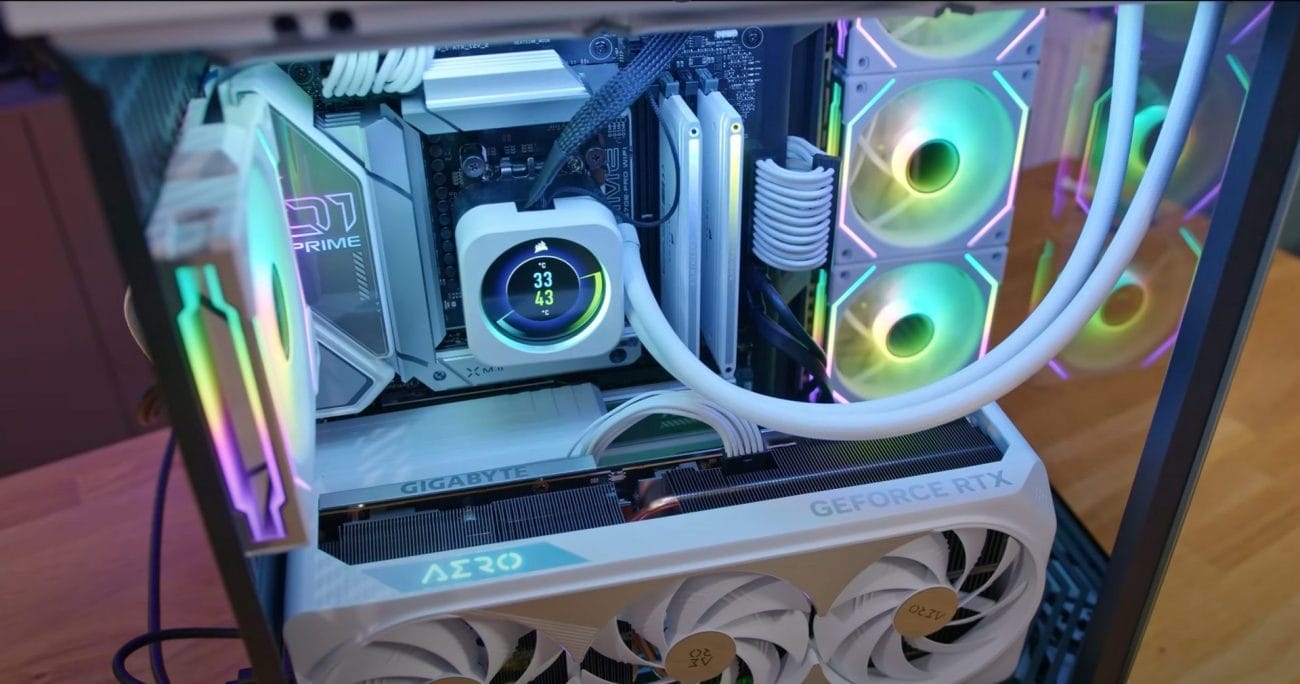
Why is PC Compatibility Important?
- Functionality: Incompatible components may not work together at all, rendering your PC useless.
- Performance: Even if incompatible parts function, they may not perform optimally, leading to slower speeds, system instability, or crashes.
- Future Upgrades:Choosing compatible components ensures that you can easily upgrade your PC in the future without having to replace multiple parts.
Common Compatibility Issues
- CPU and Motherboard: The CPU socket must match the motherboard socket. For example, an AMD Ryzen 5 3600 CPU requires an AM4 socket motherboard.
- RAM: The motherboard must support the type (DDR3, DDR4) and speed of the RAM. Additionally, the CPU and motherboard have limits on the maximum amount of RAM supported.
- GPU: The GPU must be compatible with the motherboard's PCIe slot and the case's dimensions. The power supply must also provide sufficient wattage for the GPU.
- Power Supply:The power supply must have the necessary connectors (24-pin, 8-pin, 6-pin) for the motherboard and other components. It should also provide enough wattage to support all the components.
Researching Compatibility
To ensure compatibility, it's crucial to research each component thoroughly before making a purchase. Some key factors to consider include:
- Manufacturer Specifications: Check the manufacturer's website for detailed specifications on each component, including supported socket types, RAM speeds, and power requirements.
- Online Forums:Engage with the PC building community on forums like Reddit's /r/buildapc or Tom's Hardware. Experienced builders can provide valuable insights and compatibility advice.
- PC Part Picker: Use a PC compatibility checker tool like PCPartsPickerto automatically verify the compatibility of your selected components (more on this tool below).
By researching components thoroughly, Indian PC builders can avoid costly mistakes and ensure a smooth building experience.
Best PC Compatibility Checker Tool
When it comes to building a PC in India, one of the best tools available for ensuring component compatibility is PCPartsPicker India. We offer a comprehensive PC builder that checks for compatibility issues as you select your parts, making the process of creating your dream machine much smoother.
- Selected Component Database
- PCPartsPicker India has a preselected database of PC components available in the Indian market.
- Compatibility Checking
- As you select components for your build, PCPartsPicker India automatically checks for compatibility issues. The tool verifies that your chosen CPU, motherboard, RAM, GPU, and other parts will work together seamlessly.
- Build Guides and Community
- The website offers a variety of build guides for different budgets and purposes, such as gaming, video editing, or home office.
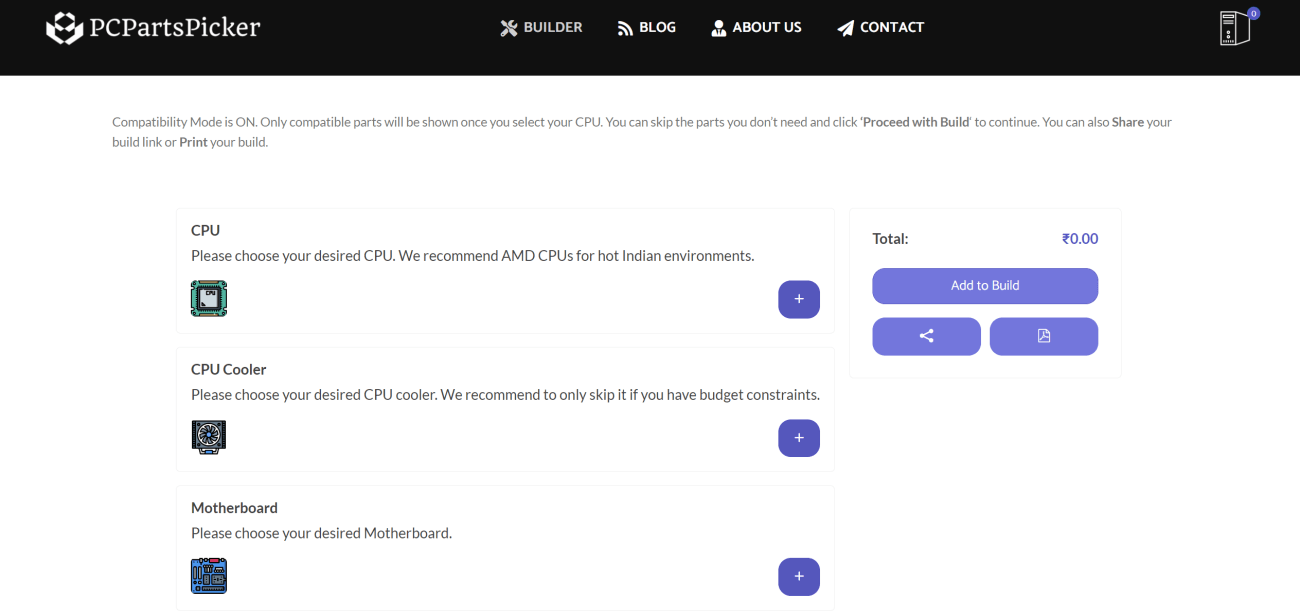
Using PCPartsPicker India's PC Builder is a straightforward process:
- Visit our PC Builder.
- Select your desired components from the available categories (CPU, CPU Cooler, Motherboard, Memory, Storage, Video Card, Case, Power Supply, Optical Drive).
- As you add components, the tool will only display compatible parts automatically, no manual work needed.
- Once you have completed your build, you can view the total cost and download the build list for offline purchasing as well.
Example Build: Mid-Range Gaming PC
To demonstrate the usefulness of PCPartsPicker India, let's create a sample mid-range gaming PC build:
| Component | Selection | Price |
|---|---|---|
| CPU | AMD Ryzen 5 3600 | ₹17,000 |
| CPU Cooler | Stock Cooler (included with CPU) | ₹0 |
| Motherboard | MSI B450 Tomahawk Max | ₹10,000 |
| Memory | G.Skill Ripjaws V 16GB (2x8GB) DDR4-3600 | ₹8,000 |
| Storage | Western Digital Blue SN550 500GB NVMe SSD | ₹5,000 |
| Video Card | Zotac GeForce RTX 3060 Ti Twin Edge OC | ₹35,000 |
| Case | Corsair 4000D Airflow | ₹8,000 |
| Power Supply | Corsair RM650 650W 80+ Gold | ₹8,000 |
| Total | ₹91,000 |
Conclusion
Building a PC in India can be a daunting task, especially when it comes to ensuring compatibility between various components. However, with the help of a reliable PC compatibility checker the process becomes much more manageable. With a compatibility checker by your side, you'll be well on your way to creating a machine that meets your needs and exceeds your expectations.
By using PCPartsPicker India, he was able to confidently select compatible components and bring his dream gaming PC to life.
Now, it's your turn. Are you ready to embark on your own PC building adventure with the help of the best PC compatibility checker in India?
Frequently asked questions
What does a PC compatibility checker check?
Typically the CPU socket against the motherboard, the RAM type against what the board supports, the graphics card length against the case, and the total power draw against the power supply's wattage.
Can I use DDR4 RAM in a DDR5 motherboard?
No. DDR4 and DDR5 are physically different, and a motherboard supports only one of them. Look at the memory type in the board's specifications.
Is a compatibility checker enough on its own?
It catches the common mismatches. You should still check the case's maximum graphics card length and cooler height, and the power connectors your graphics card needs, because those figures are not always in a checker's database.
Related guides
Some links here are affiliate links: if you buy through them the site may earn a commission, at no extra cost to you. How products are picked.
- gaming-pc
- computer-hardware
- pc-compatibility
- pc-builder
- tech-india
7 comments
Comments are closed. Questions are welcome by email.
Jill this is a really informative post! i always get confused about pc compatibility, so this really helped me understand. thanks!
John This is a great article, but it would be even better if it included some examples of common compatibility issues with specific components. Like what happens if your RAM isn't compatible with your motherboard, or your graphics card is too powerful for your PSU.
akash Great post, but what about mentioning those websites that have compatibility checkers? I'd love to see a list of the best ones!
Priya nice one! it's really important to be aware of pc compatibility, especially when you're building a new system. i'm definitely going to use this information when i upgrade my pc.
Samantha I've been having so many issues with my new PC not working with my old peripherals. This article is a lifesaver! Thanks for the tips!
Rajiv Dude this is like the best article ever about PC compatibility I was totally lost before but now I know exactly what to do Thanks a bunch
Vivek Super helpful article, thanks! I finally understand why my new mouse isn't working with my old laptop. I wish I had read this earlier!


